Hey there, ambitious shutterbug! Whether you’re just starting out with your DSLR or you’ve been snapping away for a while, this list of challenges is here to push your skills to the next level. Think of it as your personal photography boot camp—fun, creative, and maybe a little bit challenging (in the best way possible).
Each of these 10 challenges is designed to help you master specific camera techniques, experiment with creative ideas, and get comfortable with editing tools like Lightroom and Photoshop. Plus, you’ll end up with an awesome portfolio of images to show off on your WordPress site. The best part? You get to call the shots (literally). These challenges are all about exploring your unique style while learning the technical stuff that’ll make your photos pop. So grab your camera, charge your batteries, and get ready to see the world through a whole new lens.
See Frequently Asked Questions and the Submission Requirements section at the bottom of the page for the exact details of what each project must contain to be considered for extra credit.
Mastering Manual Mode: The Exposure Triangle
Understanding the exposure triangle (aperture, shutter speed, and ISO) is the foundation of DSLR photography. This challenge will push you to take full control of your camera by shooting in manual mode. You’ll explore how changing each setting affects your images and learn to adapt to different lighting conditions.
Manual Mode is the thing that every would-be photography should strive to master.
#ManualMode #ExposureTriangle #Aperture #ShutterSpeed #ISO #CreativeControl #LightroomEditing
Subjects to Include
- Two portraits with a blurred background (wide aperture).
- Two fast-moving subjects frozen in action (fast shutter speed).
- Two low-light scenes with minimal noise (low ISO).
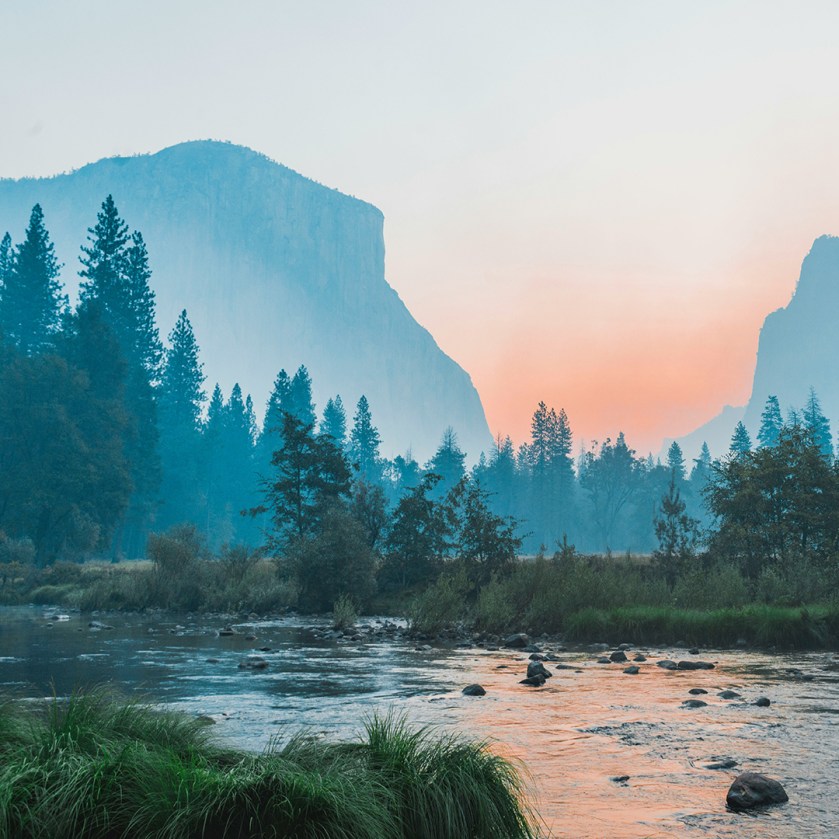
- Two landscapes with everything in focus (narrow aperture).
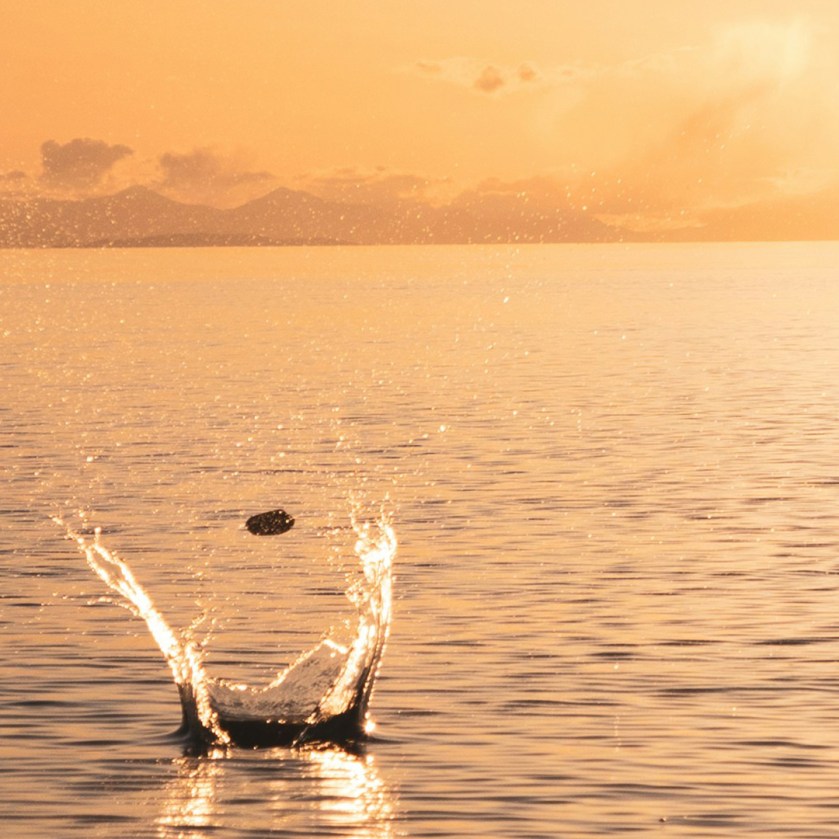
- Two subjects with a creative motion blur effect (slow shutter speed).



GD’s Tips…
Manual mode is your gateway to total creative control. Start by adjusting one setting at a time—try a wide aperture for blurry backgrounds or a fast shutter speed to freeze action. Use your camera’s light meter to guide exposure, and keep ISO low to avoid noise. Don’t stress if your first shots aren’t perfect—experimentation is key!
Portrait Photography: Natural Light and Depth of Field
Portraits are all about capturing emotion and personality. In this challenge, you’ll use natural light and depth of field to create compelling portraits. Experiment with different lighting setups and apertures to achieve a variety of moods. Get outside, find natural light, and get some gorgeous portraits!
Natural light can be fickle to work with, but it produces the absolute best results. Go see for yourself.
#PortraitPhotography #NaturalLight #DepthOfField #Bokeh #PhotoshopRetouching #CreativePortraits
Subjects to Include
- Two close-up portraits with a blurred background (wide aperture).
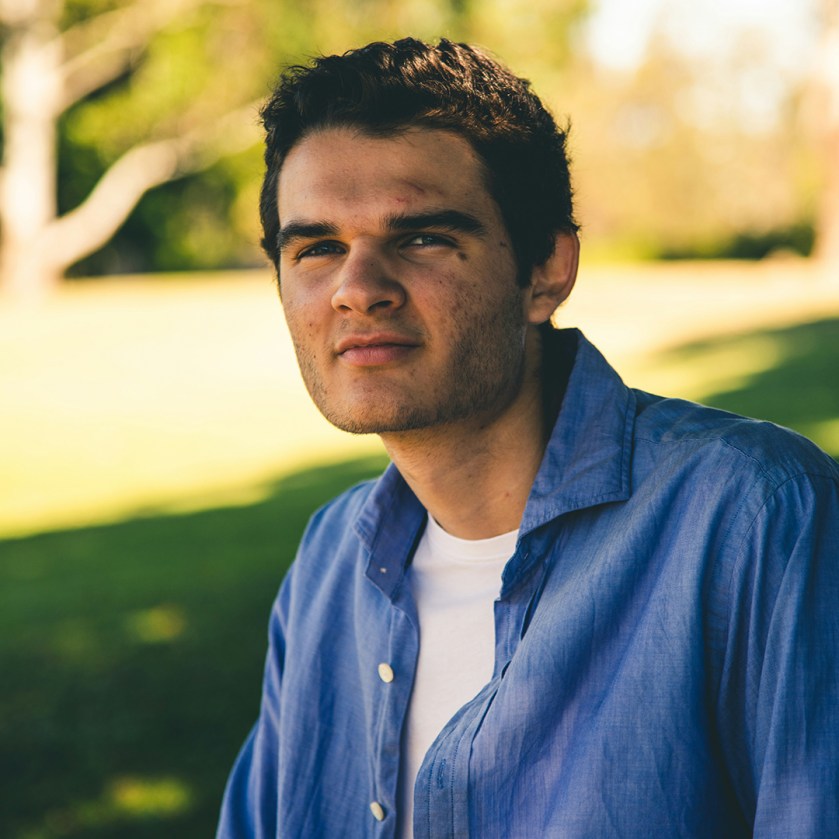
- Two backlit portraits with a glowing effect.
- Two portraits in open shade with soft, even lighting.
- Two group portraits (3 or more people) with everyone in focus (narrow aperture).
- Two creative self-portraits using natural light.




GD’s Tips…
Natural light is your best friend for portraits . Shoot during golden hour (last hour before sunset and first hour after sunrise) or near a window for soft, flattering light. Use a wide aperture (like f/2.8) for a blurred background, and connect with your subject to capture genuine expressions.
Composition Mastery: Rule of Thirds and Leading Lines
Great composition transforms a good photo into a stunning one. This challenge focuses on two fundamental compositional techniques: the rule of thirds and leading lines. You’ll learn to position your subject intentionally and guide the viewer’s eye through the frame.
This is a basic principle of photography that every newbie should strive to master, so why not right now?
#Composition #RuleOfThirds #LeadingLines #Framing #CreativePhotography #LightroomCropping
Subjects to Include
- Two landscapes with the horizon aligned to the rule of thirds.
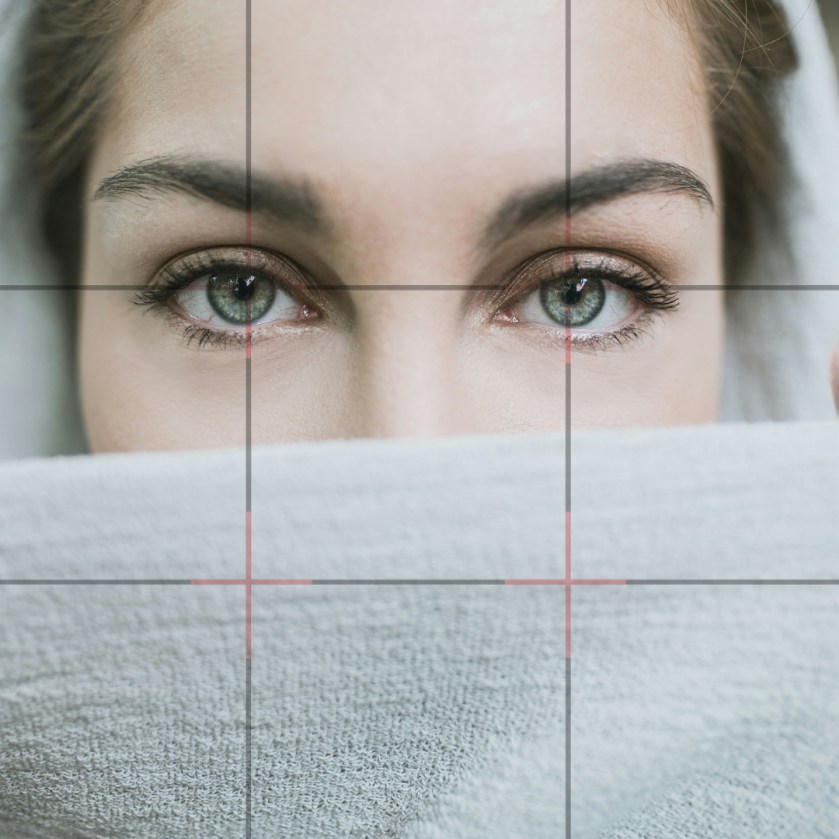
- Two portraits with the subject’s eyes on a third intersection.
- Two cityscapes with leading lines (e.g., roads, bridges, or buildings).
- Two still life photos arranged using the rule of thirds.
- Two nature scenes with natural leading lines (e.g., rivers, tree branches).
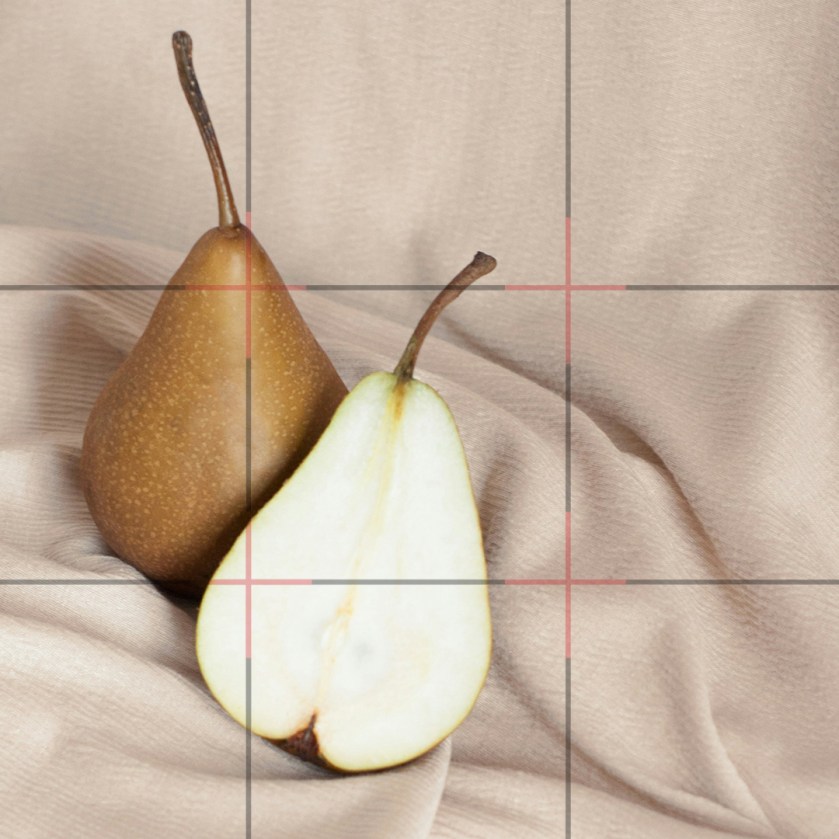
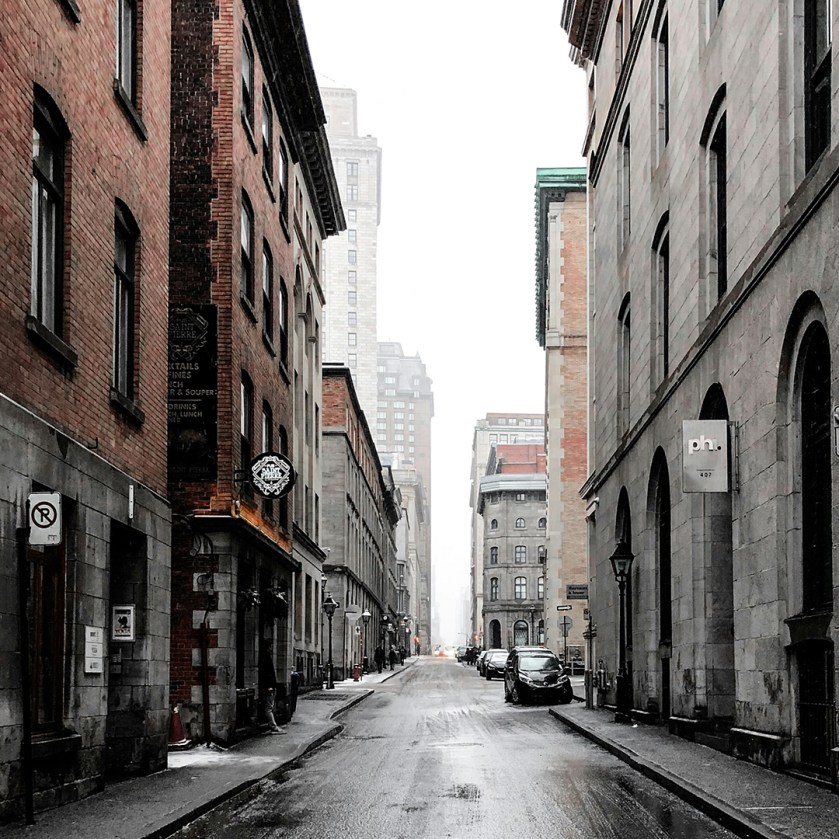

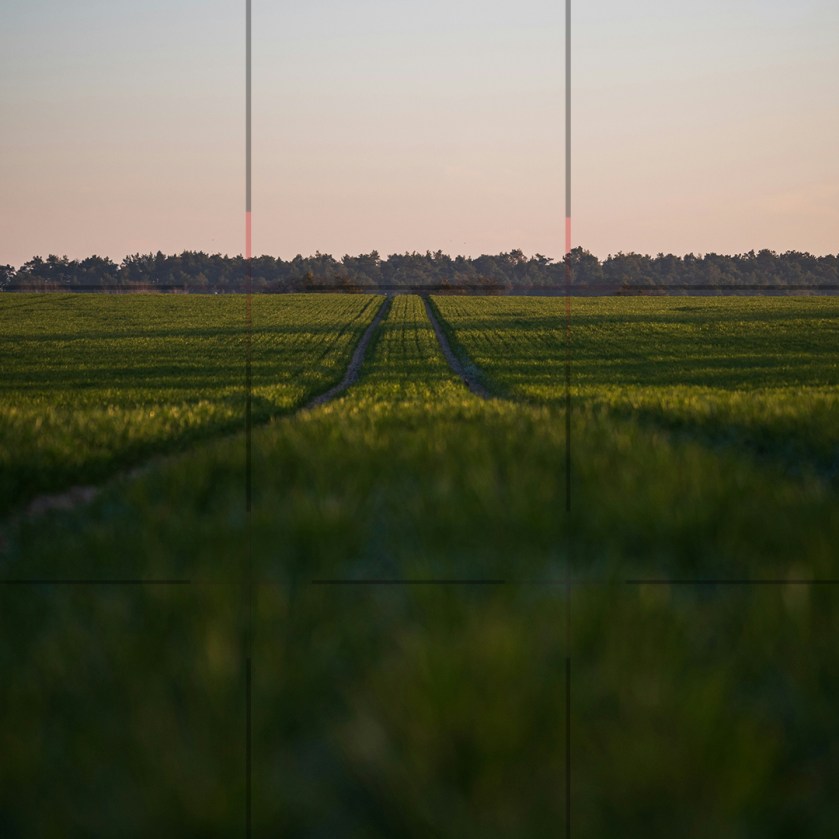
GD’s Tips…
Great composition makes your photos stand out. Use the rule of thirds to position your subject off-center and leading lines to guide the viewer’s eye. Move around to find the best angle, and don’t be afraid to break the rules once you’ve mastered them!
Long Exposure: Light Trails and Water Motion
Long exposure photography allows you to capture the passage of time in a single frame. This challenge will teach you how to use slow shutter speeds to create mesmerizing images of light trails and smooth, flowing water. The best part is you get to do some photography at night!
This may be one of the most challenging but most fun challenge on this list.
#LongExposure #LightTrails #WaterMotion #Tripod #CreativeTechniques #LightroomEditing
Subjects to Include
- Two car light trails on a busy street at night.
- Two star shots in a dark sky (tough to do in the city).
- Two smooth water effect shots at a waterfall or beach.
- Two light painting shots using a flashlights or sparklers.
- Two shots of eerie shutter speed ghosts.
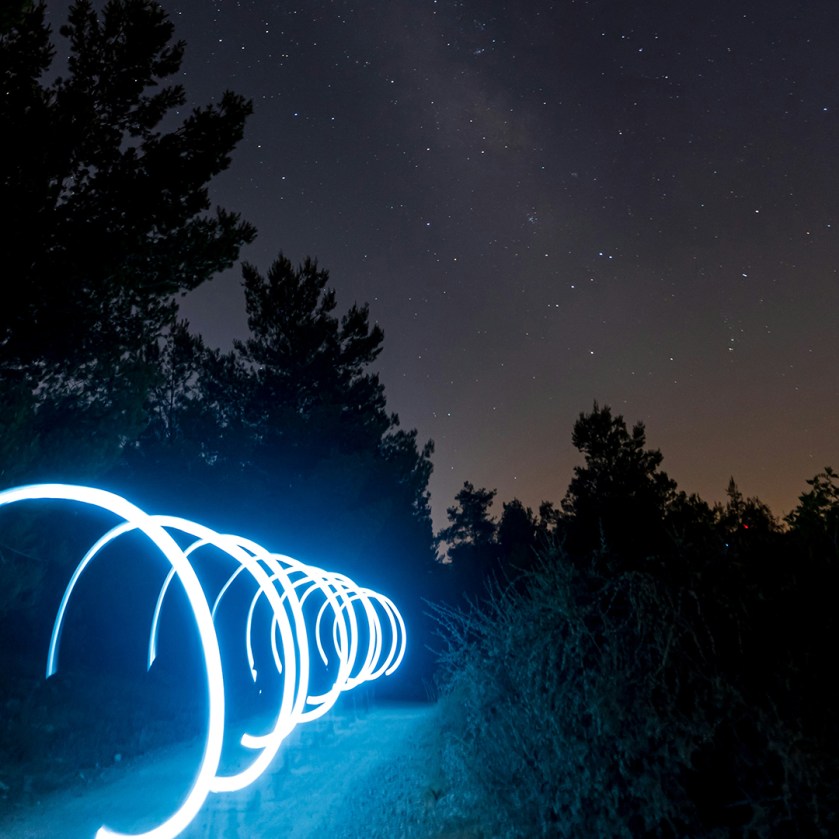


GD’s Tips…
Long exposure turns movement into magic. Use a tripod and start with a 5-second shutter speed. For light trails, find a busy street at night; for smooth water, head to a waterfall or beach. Adjust ISO and aperture to avoid overexposure. For the really challenging ones, you might need up to a 30 second shutter! Whew!
Macro Photography: Exploring the Tiny World
Macro photography reveals the intricate details of small subjects that are often overlooked. This challenge will encourage you to get up close and personal with your subjects, exploring textures, patterns, and colors in the tiny world.
This is a new and interesting view of the world around you, and you would be surprised how much fun it is.
#MacroPhotography #CloseUp #Details #Texture #FocusStacking #PhotoshopEditing
Subjects to Include
- Two shots of the details of a flower petals or leaves.
- Two insects or spiders in a natural habitat.
- Two shots of everyday objects like coins, jewelry, or fabric up close.
- Two shots of water droplets on surfaces or in pools of water.
- Two shots that showcase the texture of food (e.g., fruit, bread, or spices).


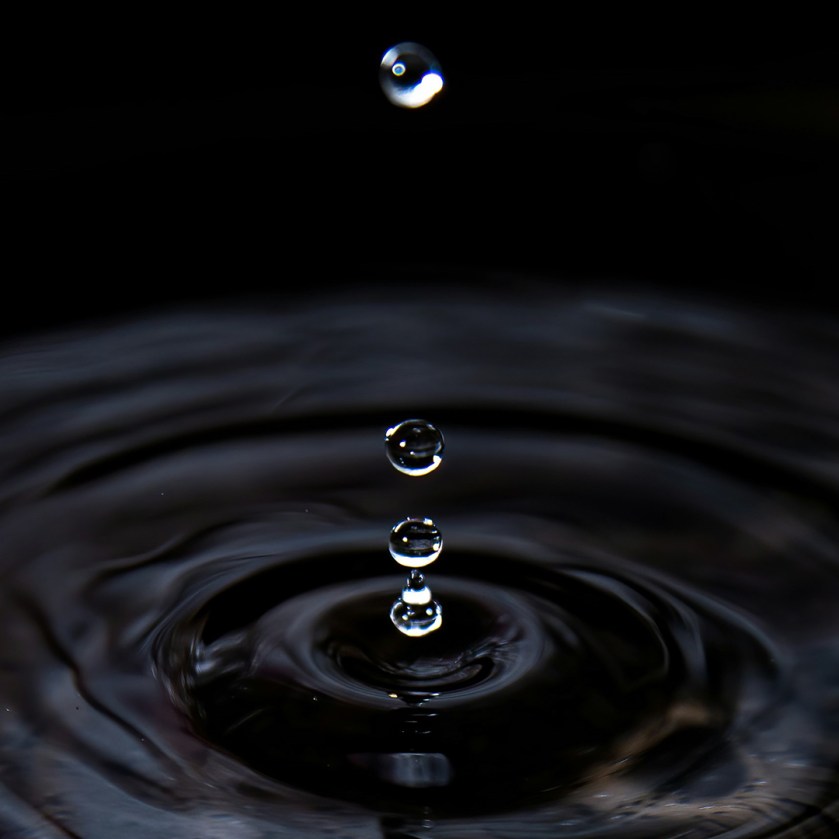

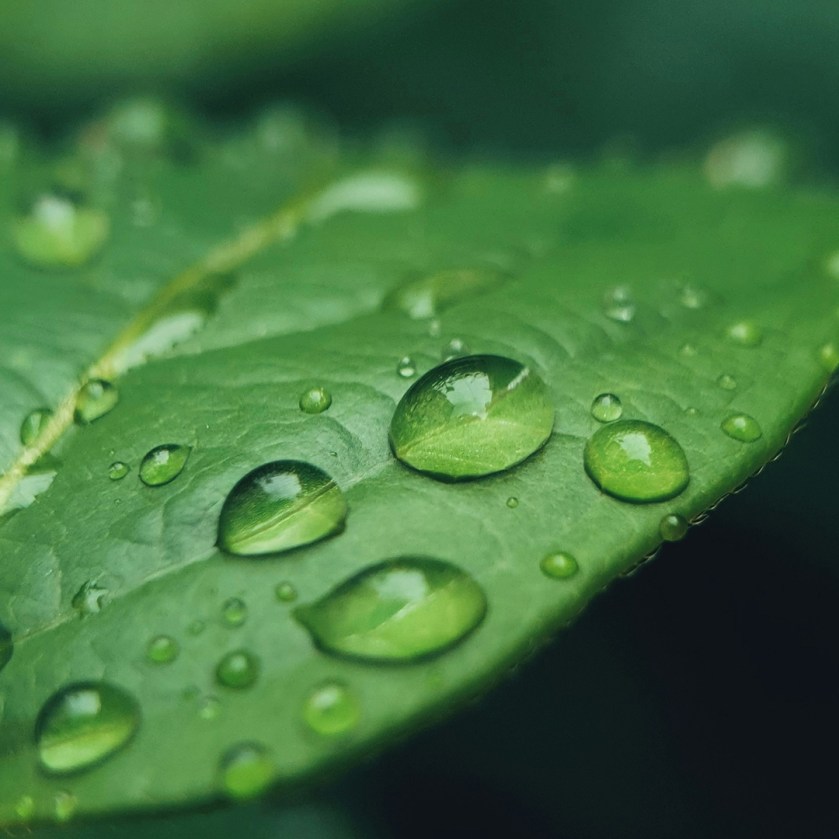
GD’s Tips…
Macro photography reveals hidden details. Get close to small subjects like flowers or insects, and use natural or diffused light to avoid harsh shadows. Focus manually for precision, and don’t be afraid to experiment with angles. Low f/stops will help you get that awesome soft focus effect too!
Black and White: Contrast and Texture
Black-and-white photography strips away color, allowing contrast, texture, and composition to take center stage. This challenge will help you see the world in monochrome and create striking images that rely on tonal range and visual impact.
Black and white photography requires skill behind the lens, and with your editing software.
#BlackAndWhite #Contrast #Texture #TonalRange #LightroomEditing #CreativeVision
Subjects to Include
- Two portraits with strong shadows and highlights.
- Two landscapes with dramatic clouds and textures.
- Two architectural detail shots with geometric shapes.
- Two street scenes with high contrast.
- Two still life images emphasizing texture (e.g., wood, stone, or fabric).
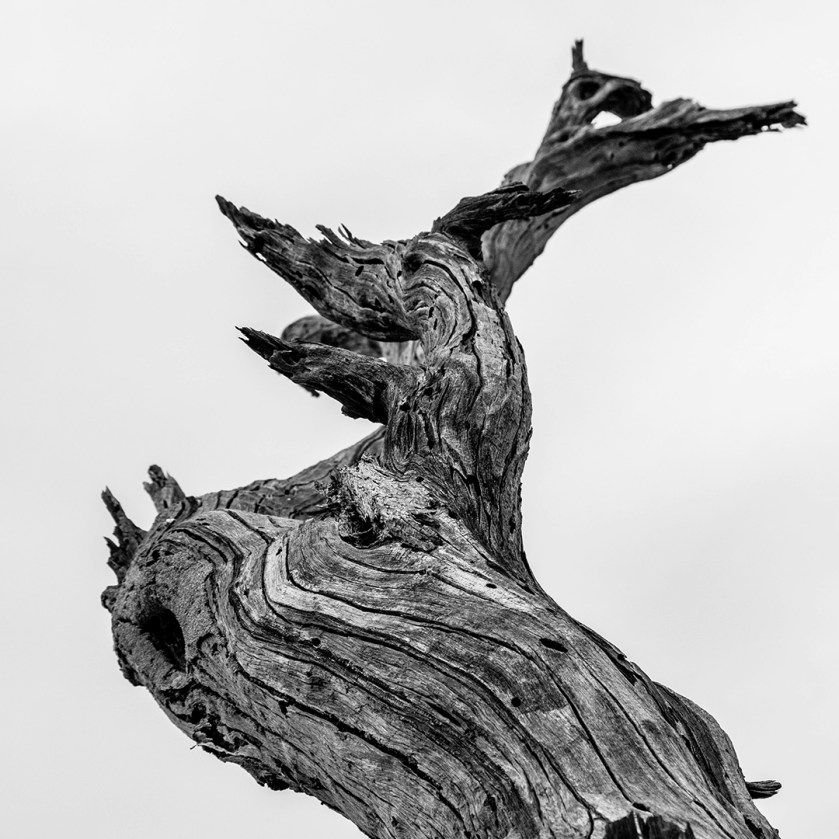
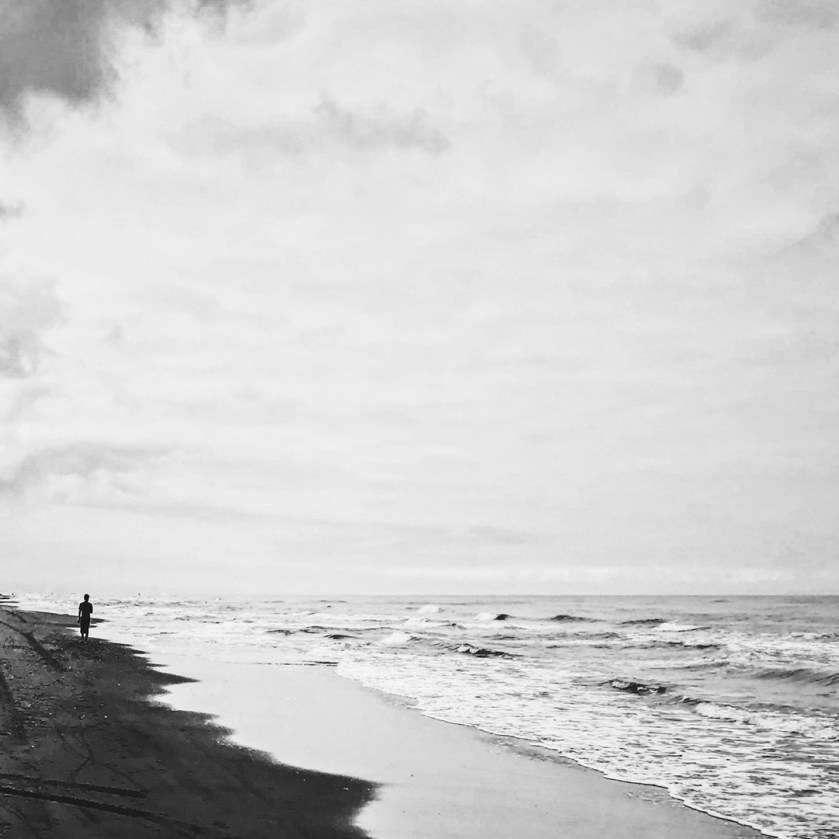



GD’s Tips…
Black-and-white photography is all about contrast and texture. Look for strong shadows, highlights, and interesting patterns. Use Lightroom’s tone curve to enhance the drama, and let the simplicity of monochrome tell the story. You can also complete a good black and white in Photoshop like a PRO.
Street Photography: Capturing Candid Moments
Street photography is about capturing the essence of everyday life in public spaces. This challenge will teach you to observe and anticipate moments, creating candid and authentic images that tell a story.
Honestly, just getting downtown in Fort Lauderdale or Miami is a great day for shooting some candid shots. Take a day and get some interesting shots!
#StreetPhotography #CandidMoments #Storytelling #UrbanPhotography #LightroomEditing #CreativeObservation
Subjects to Include
- Two bustling market or street scenes with lots of action.
- Two candid portraits of strangers (with permission if possible).
- Two shots of people interacting with each other.
- Two images of interesting reflections.
- Two interesting shadows being cast on the streets or buildings.

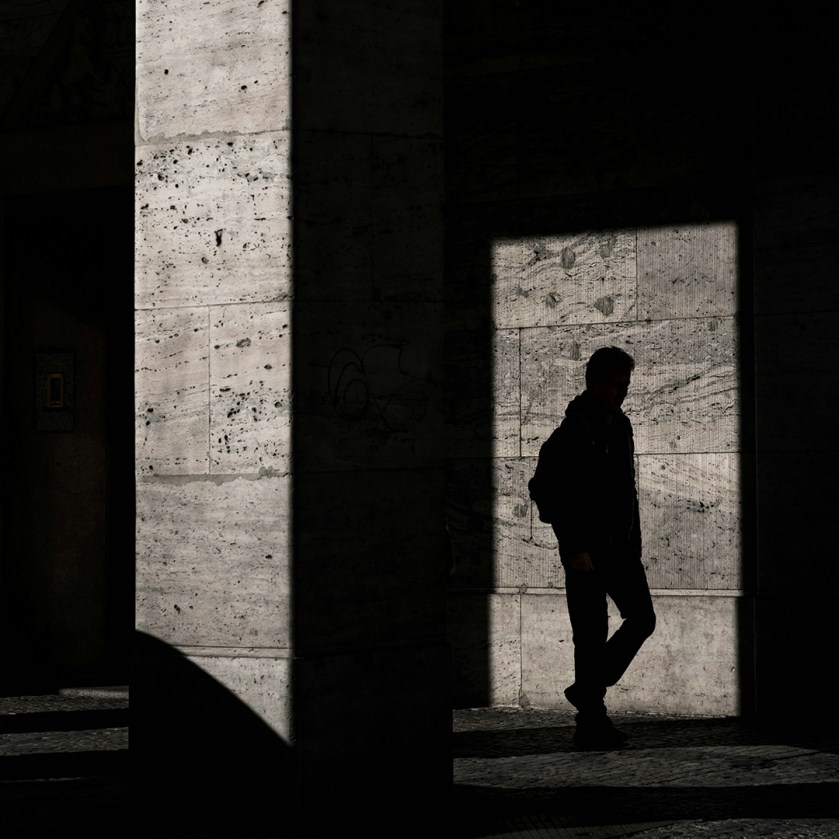



GD’s Tips…
Street photography is about capturing life as it happens. Be quick and observant, and don’t worry about perfection. Use a fast shutter speed to freeze action, and focus on moments that tell a story or evoke emotion. This is the best way to practice telling a story with your camera, so get out there!
Urban Landscapes: Cityscapes and Architecture
Who says landscapes have to be all nature? Urban landscapes are just as captivating, with their towering buildings, bustling streets, and unique architecture. This challenge will help you explore the beauty of the city, focusing on composition, lighting, and storytelling.
Here is another challenge that can be solved with trip into Fort Lauderdale or Miami. The are great places to shoot.
#UrbanLandscapes #Cityscapes #Architecture #Composition #LightroomEditing #CreativePerspectives
Subjects to Include
- Two skyline shots of the city at sunrise or sunset.
- Two close-ups of interesting architectural details (e.g., windows, staircases, sewer grates, or textures).
- Two street scenes with leading lines (e.g., roads, bridges, or train tracks).
- Two creative perspectives of well-known landmarks.
- Two nighttime cityscapes with glowing lights using a long exposure.
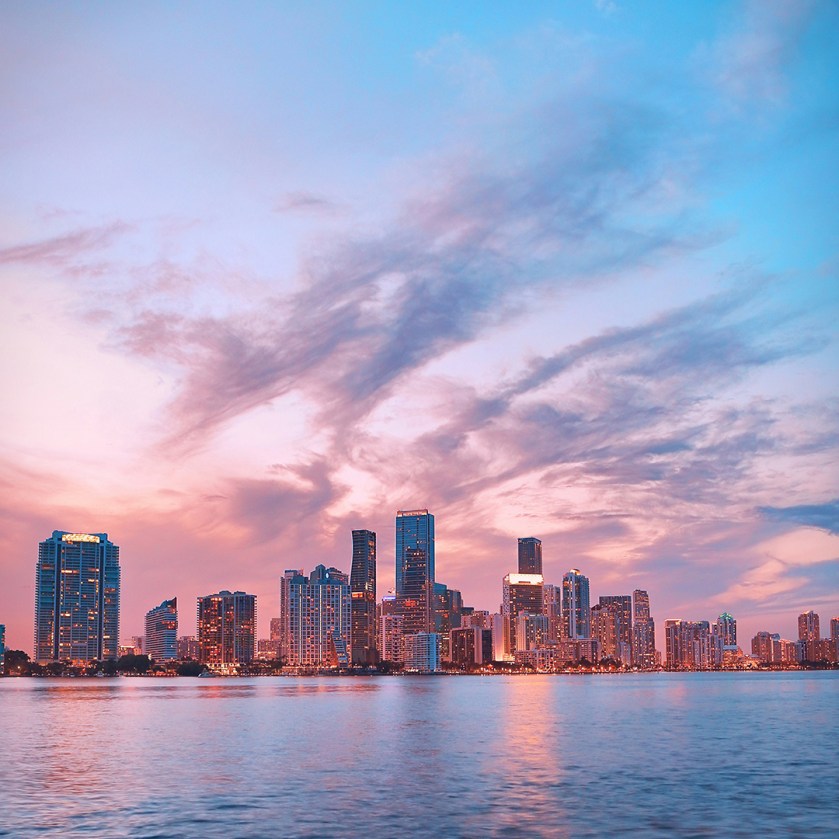


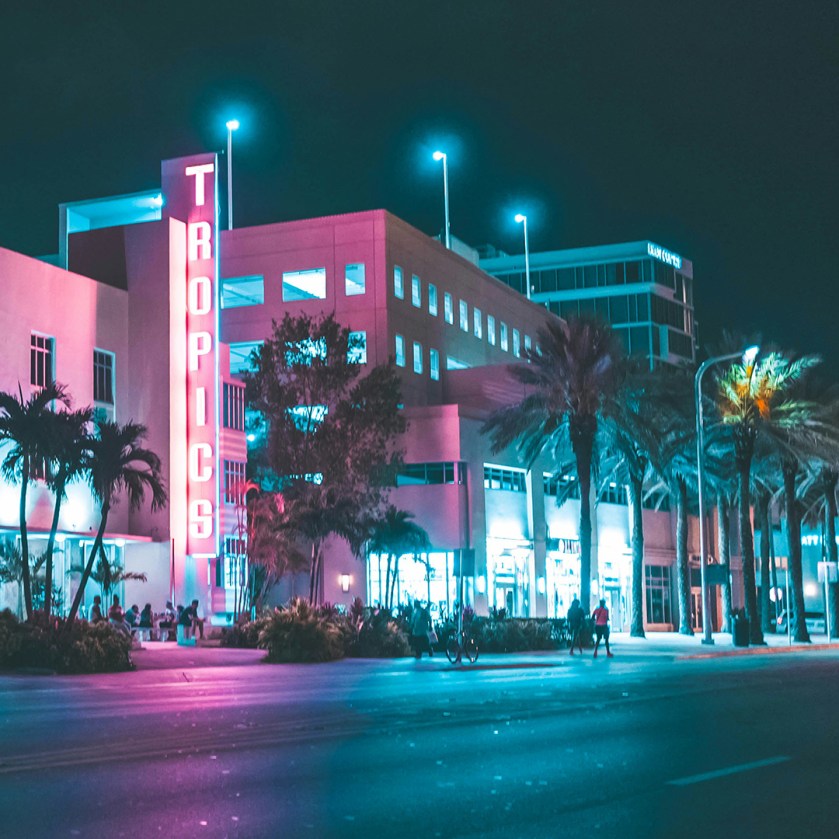

GD’s Tips…
Urban landscapes are all about finding beauty in the everyday. Look for interesting patterns, shapes, and contrasts in the cityscape. Use a tripod for sharp shots, especially at night, and experiment with different angles—shoot from low to the ground or from a high vantage point. Get downtown and get creative!
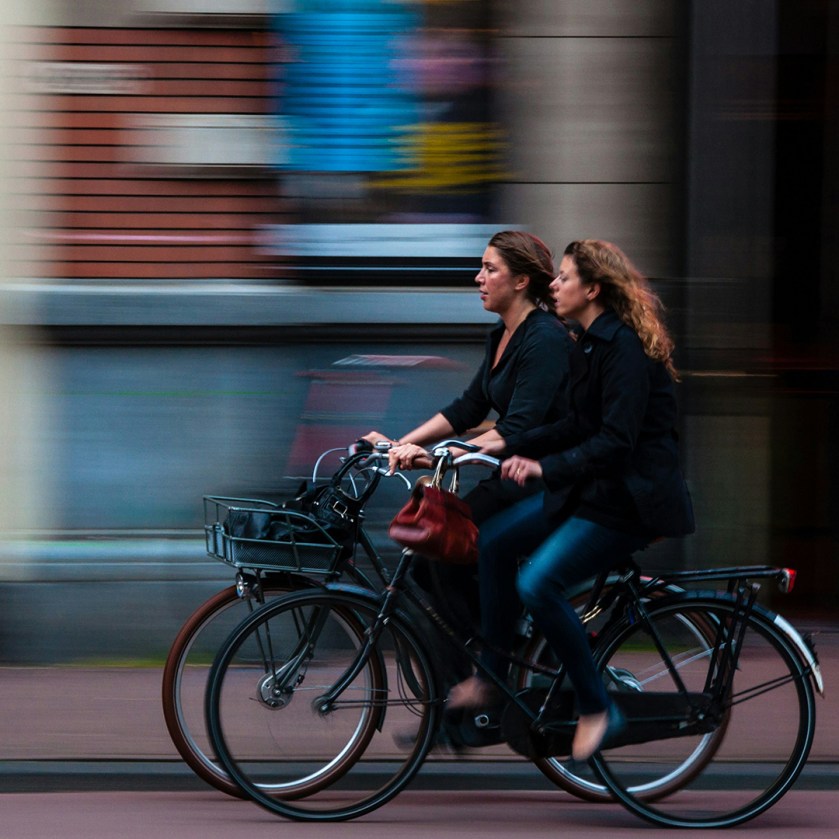
Creative Motion: Panning and Zoom Burst
Motion can add energy and creativity to your photos. This challenge will explore two techniques: panning, which follows a moving subject, and zoom bursts, which create a dynamic sense of movement.
Once again we are lucky to live in a city with a LOT of motion going on everywhere!
#CreativeMotion #Panning #ZoomBurst #ShutterSpeed #LightroomEditing #DynamicPhotography
Subjects to Include
- Two cyclists or runners captured with panning.
- Two shots of cars in traffic (shoot from the passenger seat, maybe?).
- Two zoom bursts of buildings at night.
- Two creative zoom bursts of still objects.
- Two panning shots of birds gliding (tougher than you think…).

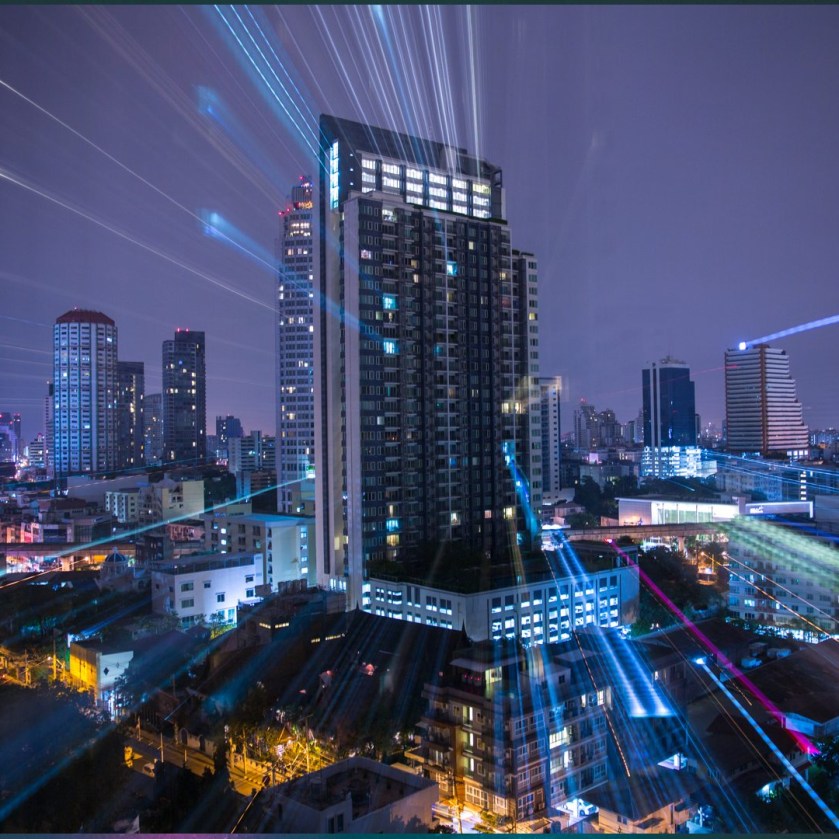


GD’s Tips…
Add energy to your photos with creative motion techniques. For panning, use a slow shutter speed and follow your subject. For zoom bursts, twist your zoom ring during a long exposure. Experiment and embrace the unexpected!
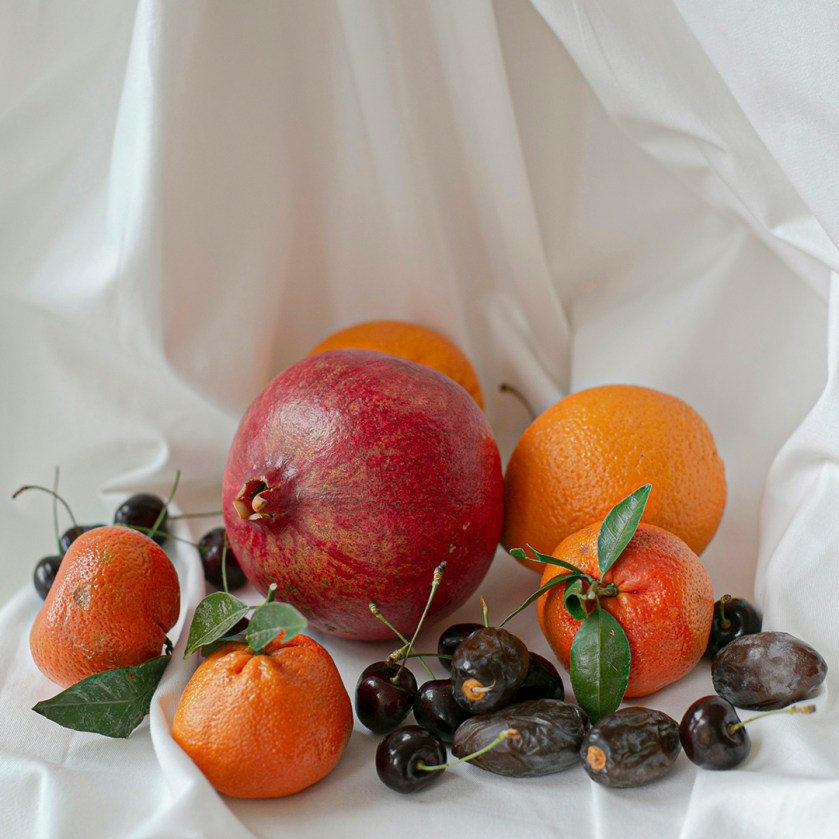
Still Life: Lighting and Styling
Still life photography is an art form that allows you to control every element of the scene. This challenge will teach you to arrange objects thoughtfully and use lighting to create mood and depth.
This project will test your composition and lighting skills while you make ordinary objects into something artistic!
#StillLife #Lighting #Styling #Composition #PhotoshopEditing #CreativeArrangement
Subjects to Include
- Two photos of tabletop arrangements using fruits or vegetables.
- Two vintage still life shots using old books or candles.
- Two minimalist compositions with a single object.
- Two still life images with reflective surfaces (e.g., glass or metal).
- Two still life photos with just one color in it.




GD’s Tips…
Still life lets you control every detail. Arrange objects thoughtfully and use natural or diffused light. Experiment with angles and compositions, and edit your photos to enhance lighting and colors. Have fun creating mini masterpieces!
Submission Requirements
Each Photography Skills Challenge will need to meet the following requirements to be considered for extra credit. These challenges should be submitted as a Portfolio item on your WordPress website, complete with a Featured Image, Categories, Tags, etc.
- A 150-250 word introduction to the project. Sum up what your challenge was, to give this gallery of images some context to future viewers. Give this project a unique name in your portfolio (i.e. don’t just name the project the same name as the challenge, be creative).
- A minimum of 2 images for each subject listed (for a total of 10 shots per challenge). You can absolutely go above and beyond that number if you get too many good shots to trim down to just ten.
- Each photo must be a unique subject. No submitting two slightly different versions of the same shot (I see you there…)
- Each image must be resized to 1920x1080px, at 72dpi resolution. This is a good size for web based photo displays, and won’t take up a massive amount of storage space.
- Each image must be given a Title, and a brief description of the photograph. The three base settings (ISO, Aperture and Shutter Speed) must be included within the description.
- Any photo that required software editing must be submitted with an “Image Compare” block to show the before and after edit effect.
- An additional Google Slides Presentation of all photos should be included at the top of the submission, embedded on your Portfolio. This presentation must be presented in class for peer review.
Frequently Asked Questions
When can I submit a Photography Skills Challenge Project?
You can submit these projects at any time in the course! Just because you are currently working on other subject matter, that doesn’t mean you should give your camera a break. Keeping your photography skills sharp is important. Maybe do one in each of the four sections of the class just for the practice and portfolio polish?
I don’t own my own camera equipment, can I still do this?
You can absolutely use the classroom equipment in order to take on a challenge, but know that you are stuck to the McFatter Campus, during your classroom hours. If you can find interesting subjects to fit all of the requirements, good on you! Just be sure you aren’t falling behind on your current lessons and assignments to take one on.
Do I absolutely have to present my work to the class?
Yeppers. It’s part of the challenge. I know that some students struggle with presentation shakes but our particular field of work does require us to constantly show our work to others in a presentation style setting. Better that you get used to it here in class, rather than out in the real world in front of paying clients. Trust me on this one.
Curriculum Standards Alignment
- 01.06 – Use appropriate communication skills to interact effectively with others (Students must write a clear, creative 150–250 word project introduction and prepare their portfolio for public viewing, demonstrating professional-level communication.)
- 02.01 – Apply knowledge of design elements and principles (Framing, balance, lighting, and composition all play a role in the submitted images, showcasing students’ understanding of visual design through photography.)
- 02.02 – Demonstrate knowledge of basic typography (Written content, image titles, and descriptions are presented within a WordPress layout — students must organize and display their work clearly using web-friendly type hierarchy.)
- 02.06 – Use appropriate tools and techniques to produce multimedia content (Students use cameras, manual exposure settings, and photo editing software to create and refine their visual content.)
- 03.02 – Demonstrate knowledge of digital imaging software (Any edited photos require visible before/after comparisons, showing technical competence in post-processing through tools like Photoshop or Lightroom.)
- 03.04 – Use appropriate tools for Web Design (Students publish their portfolio entries using WordPress, apply categories, tags, and Featured Images, and embed media content like Google Slides presentations — demonstrating web publishing proficiency.)
- 04.01 – Use multimedia terminology and concepts to create presentations (Embedding a Google Slides presentation and presenting it during peer review sessions requires students to apply presentation and multimedia storytelling skills.)
- 04.03 – Create a digital portfolio to showcase multimedia projects (Final submissions are required to be displayed professionally on the student’s WordPress portfolio — reinforcing both aesthetic and technical portfolio-building skills.)
- 04.04 – Prepare and present projects using effective communication skills (The in-class peer review requires students to verbally present and explain their photographic choices and editing process.)
 Digital Media & Multimedia Design