Project Introduction
You’re scrolling online. Suddenly… wait. That photo just moved. You stop. You stare. You question reality. That, my friends, is the power of a well-crafted cinemograph — not quite a video, not quite a still image, and totally captivating.
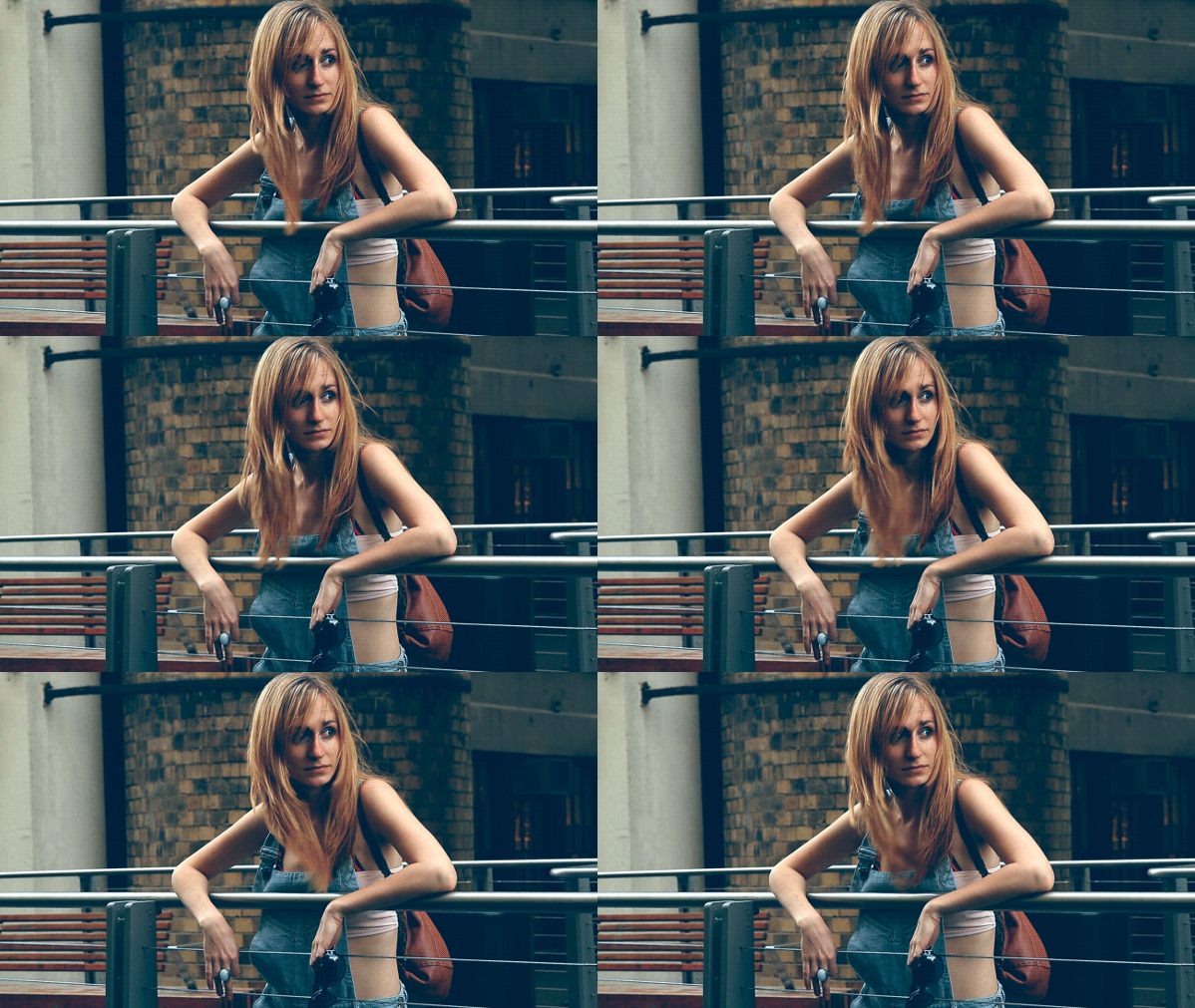


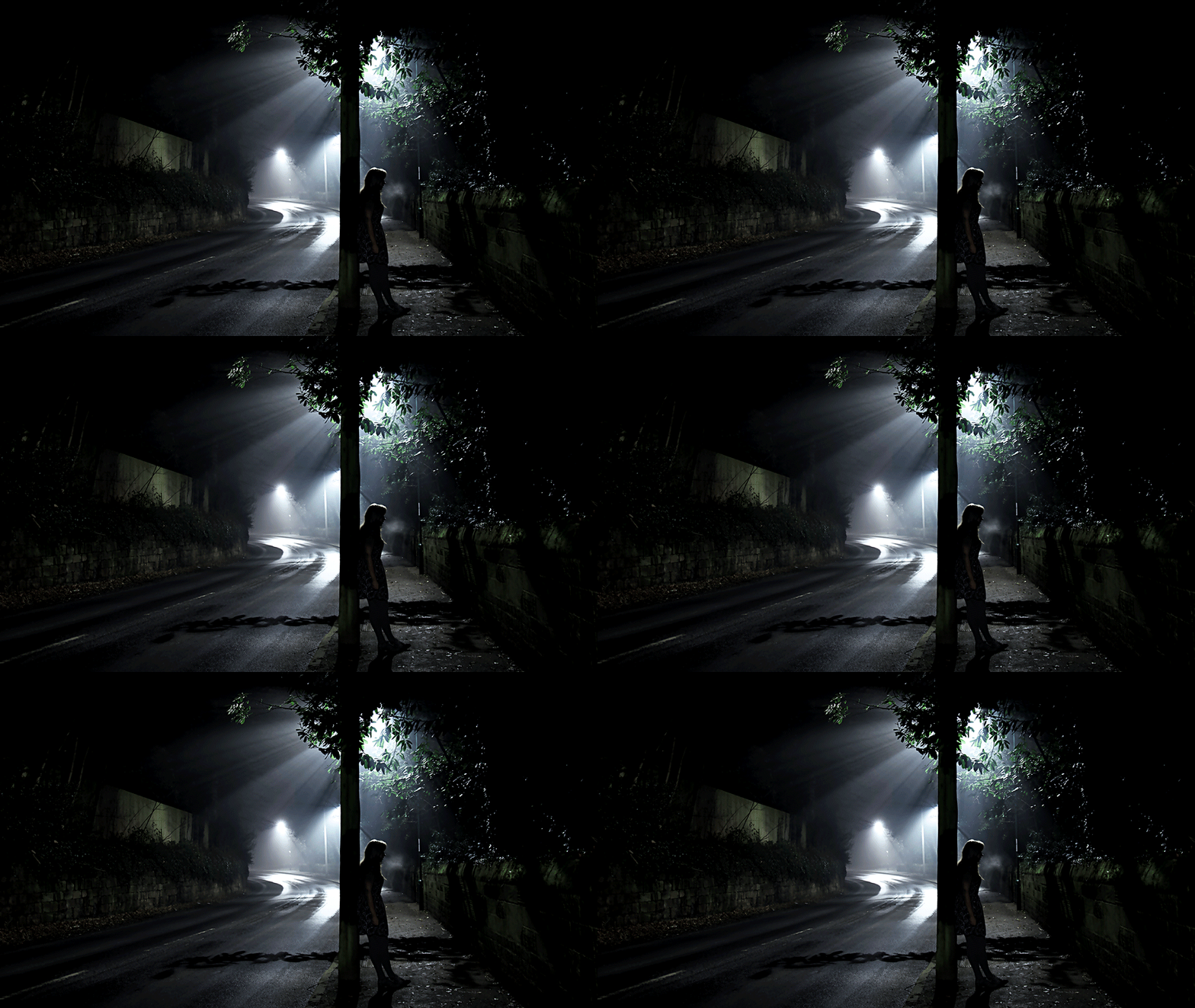

Clearly, these are images taken from the internet just for creative examples of what you can achieve with this technique.
This project explores the strange little world where photography meets motion — the cinemograph. A cinemograph is like a still photo that has one subtle element moving, creating an effect that feels part magical, part unsettling, and 100% eye-catching. Brands and designers use these all the time in ads and social campaigns because they grab your attention without overwhelming the viewer.
Here’s the key: this project must be created in Adobe Photoshop. You’ll capture or source your own short video clip, then use Photoshop’s timeline and masking tools to freeze the majority of the frame while keeping just one area in motion. By the end, you’ll have a polished loop that blends the stillness of a photo with the life of video. It’s a serious test of patience, precision, and your ability to control motion for design storytelling.
Creative Focus
The magic of a cinemograph comes from subtlety. Your challenge is to decide what moves and what doesn’t — the tension between those two is what makes it memorable. Is it steam rising from a cup of coffee? A blinking neon sign? A person frozen in place while their scarf flutters in the wind? The effect should feel intentional, not random.
This project gives you hands-on practice with industry-level Photoshop tools that go far beyond “just editing pictures.” Cinemographs are used in web design, advertising campaigns, social media content, and even digital art exhibitions. If you can master this, you’ll have a skill set that most designers overlook — and an effect that makes your portfolio pop.
Project Requirements
You must submit the following to complete this challenge:
- Final Deliverable:
- One original cinemograph created in Photoshop.
- Exported as both a GIF (for WordPress) and an MP4 (for higher quality playback).
- Loop should be clean and seamless.
- WordPress Portfolio Requirements:
- At least 1 Project Type selected.
- 5–10 Tags (examples: cinemograph, Photoshop, motion graphics, digital media, animation, design effects, portfolio project).
- A unique Featured Image (maybe the actual cinemograph?).
- Written project explanation (250–350 words) that covers:
Project Grading Rubric
Explain the grading rubric here (six categories, 100pts).
| Criteria | Description | Points |
|---|---|---|
| WordPress Portfolio Post | Intro, unique title, tags, featured image, clean layout | +5% |
| Image Quality & Originality | 5 different subjects, strong visual quality, not repetitive | +5% |
| Captions & Metadata | Accurate titles and descriptions for each cinemograph | +5% |
| Loop Execution | Seamless movement, good masking, believable freeze vs. motion | +5% |
| Creative Use of Prompts | Thoughtful and clever interpretations of each of the five required categories | +5% |
| Effort & Execution | Goes beyond the minimum; shows thoughtful editing and visual choices | +5% |
| Total (possible) | 30% Extra Credit |
OCP & Standard Alignments
01.02 – Demonstrate knowledge of basic computer functions and terminology. …because working in Photoshop’s timeline requires solid understanding of software workflows.
01.03 – Demonstrate knowledge of digital still photography. …because the starting point of a cinemograph is a photographic frame.
02.01 – Apply knowledge of design elements and principles. …because controlling what moves and what stays still is a deliberate design choice.
02.04 – Demonstrate knowledge of composition. …because framing and visual hierarchy are critical when deciding which element of the cinemograph moves.
04.01 – Use multimedia terminology and concepts to create presentations. …because the project uses correct vocabulary like masking, frame rate, and looping.
04.03 – Create a digital portfolio to showcase multimedia projects. …because the cinemograph must live in your WordPress portfolio as both GIF and MP4.
 Digital Media & Multimedia Design