


Project Introduction
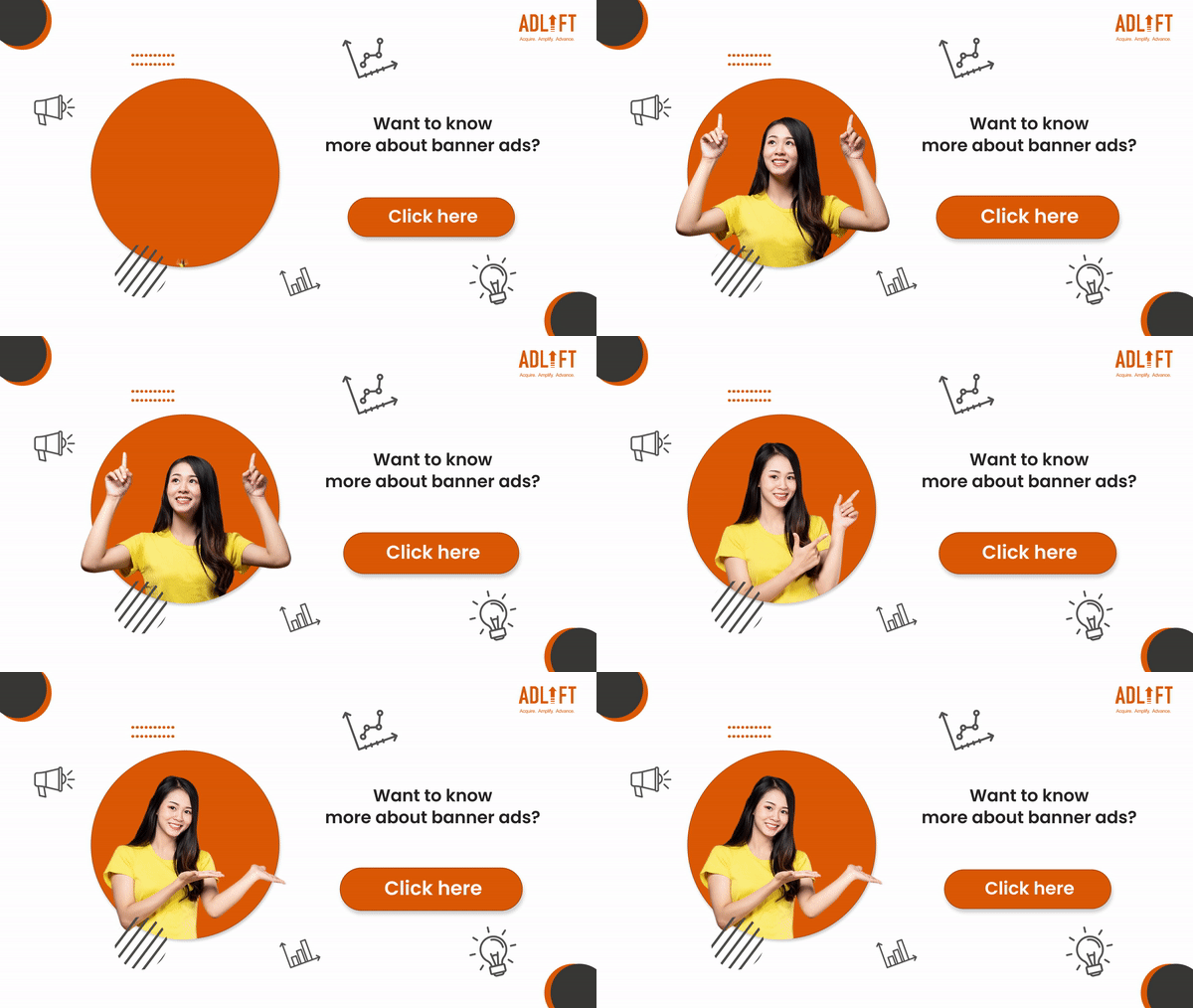
If you’ve ever been chased across the internet by a pair of shoes you almost bought once, congratulations—you’ve met the modern web banner ad. In this project, you’ll design your own Web Banner Campaign for either a real or fictional company, using a blend of Photography, Photoshop, Illustrator, Adobe Animate, and good old-fashioned internet research. Your campaign will include ten static ads (the top-performing sizes on Google Ads) and one fully animated, interactive HTML5 banner that loops cleanly, responds to user interaction, and works like an actual ad. You’re also going to dive into why ads work by researching marketing strategies and creating one detailed user persona to drive your design choices. If you don’t know what makes a good banner ad campaign, maybe familiarize yourself with the concepts that surround this design concept before you get started.
Creative Focus
This one’s about creative problem-solving with a marketing lens. The goal is to visually engage a target audience and drive clicks—but with style. You’ll need to identify who the campaign is speaking to (via a user persona), what visual tone fits the product, and how to make the ad stand out without becoming that annoying ad everyone wants to block. Static ads will focus on layout, messaging, and branding; the animated version should demonstrate smooth looping, professional animation pacing, and at least one interaction (like a hover animation or button state). This project merges branding, storytelling, design systems, and technical functionality into one knockout portfolio piece.
Project Requirements
Your final submission must be published as a Portfolio Post on your WordPress site and include the following:
- Choose a real or fictional company/brand to advertise
- The ZIP file for your interactive banner must be downloadable from your Google Drive or your WordPress.
- You should create a final Mockup to showcase your final designs as a portfolio example and Featured Image
- Create a unique user persona that represents a specific customer types
- Design a series of 10 static banner ads in these top-performing sizes:
- Be sure to find the most currently best performing ad sizes!
- Use Illustrator and/or Photoshop to create the static ads
- Create one animated and interactive HTML5 banner ad using Adobe Animate
- Must loop seamlessly
- Must have at least one interactive feedback (like a hover or button animation)
- Must include a working link to a real or placeholder URL
- Host the interactive banner as a downloadable zip folder with all assets via Google Drive or WordPress
- Publish a full mockup portfolio post that includes:
- The user persona you created for this campaign
- All 10 static ad images (embedded as mockups)
- The interactive ad in action (downloadable ZIP)
- A detailed write-up of your creative and marketing decisions
Project Grading Rubric
Here is how your project will be graded.
| Criteria | Description | Points |
|---|---|---|
| User Persona | Include a thoughtful, well designed, realistic persona to guide design decisions | 20 pts |
| Static Banner Series | 10 static banners are well-designed, properly sized, and visually consistent | 20 pts |
| Animated Banner Function | Animation loops smoothly, interaction works, and ad is linked correctly | 20 pts |
| Visual Design & Branding | Strong use of typography, color, and layout across all banners; visuals match audience and product | 15 pts |
| Portfolio Presentation | Project is fully mocked up, clearly written, and easy to navigate | 15 pts |
| Downloadable ZIP Package | Interactive ad is packaged correctly with all files, easy to test/download | 10 pts |
| Total | 100 pts |
OCP & Standard Alignments
14.01 – Determine the objectives and the audience for interactive animated webpages… because students will define personas and use them to guide campaign messaging and visuals.
14.04 – Demonstrate understanding of the correct use of authoring design software to create animated webpage layouts… as they will build HTML5 banners with interaction using Adobe Animate.
13.08 – Create and edit images and photographs for webpages using digital imaging software… since static banners will be built in Photoshop and/or Illustrator.
13.13 – Create, edit and integrate animation files into a webpage… because the animated ad will be exported and presented using HTML5.
16.03 – Use scripting to create an interactive webpage, interactive presentation and web banner for publication… as interactivity and file packaging are required for the animated ad.
04.03 – Create a digital portfolio to showcase multimedia projects (project must be embedded in WordPress site)… because the final product will be a featured post with embedded ads, mockups, and downloadable files.
 Digital Media & Multimedia Design