CTEv25 • Animated App Loading Screen • Category: Portfolio
Project Introduction
Let’s face it, loading screens are often overlooked, but when they’re done right, they’re sleek, satisfying, and quietly iconic. Think about how Spotify’s wave, Instagram’s color burst, or Duolingo’s bouncing owl immediately signal brand identity without a single word. That’s the power of smart motion design… and now it’s your turn!
In this project, you’ll design and animate a 3-5 second vertical (1080×1920) loading screen for a mobile app. It can be for an existing app (with a fresh take), or a completely fictional one you invent. Whether you go minimal and smooth, bold and playful, futuristic and techy, or hand-drawn and artsy, the goal is to make something that looks like it belongs in the App Store.
Just to clarify… you are only responsible for making the actual screen animation. The images below are MOCKUPS, which is not REQUIRED, but would look super nice in your portfolio. It’s up to you if you want to add a nice background, phone mockup, etc. I would suggest that you do, but hey… you do you.
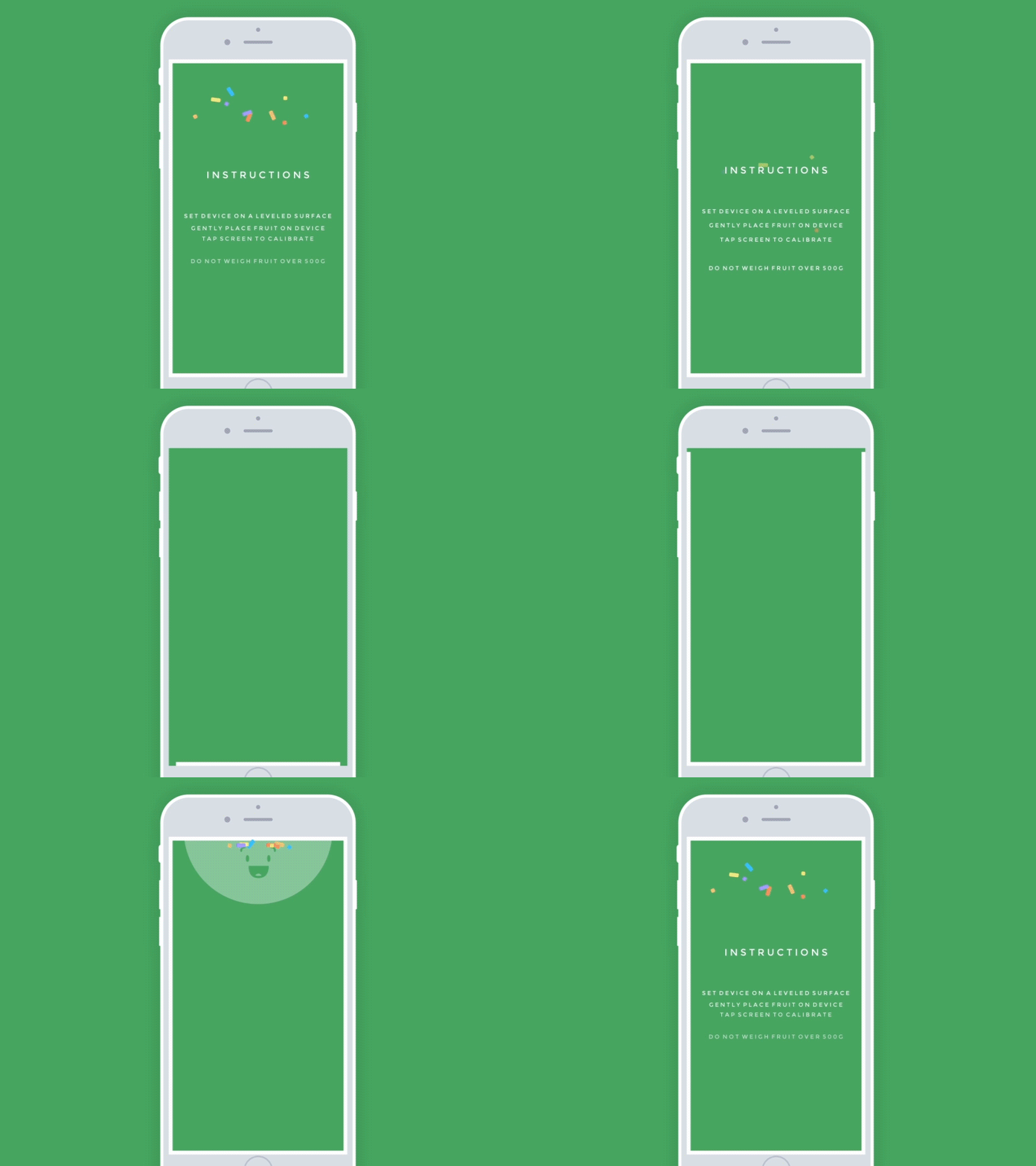
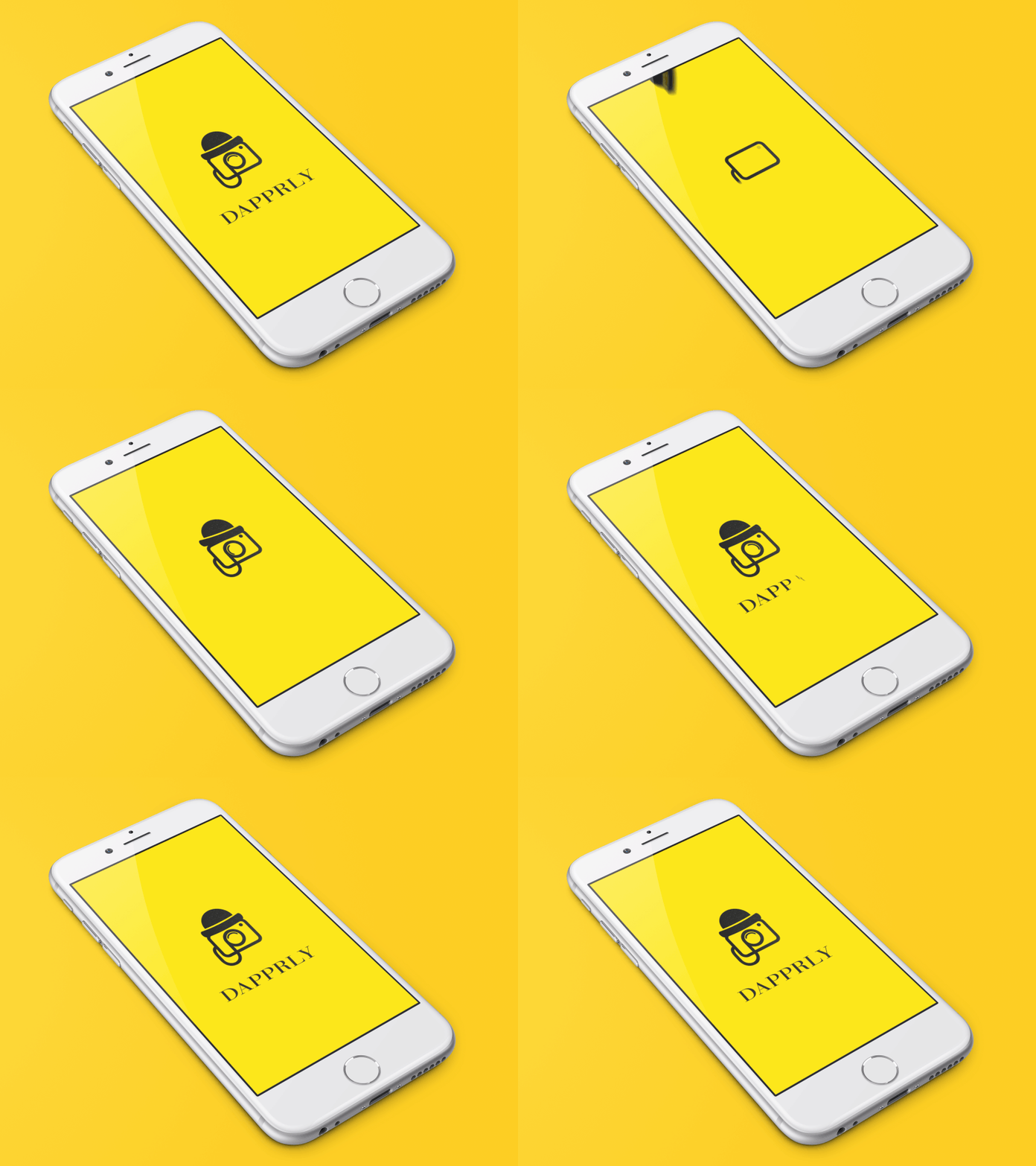
Here are some loading screen examples I found online as inspiration to get your gears turning. These aren’t my work… just cool, creative references to help you understand the possibilities. You, however, will be doing all your own work from scratch. Illustrator. After Effects. You. That’s the deal.





Creative Focus
Loading screens are a branding moment in disguise. They live in that sweet spot between user interface and motion design. In this project, you’ll focus on how to translate a static brand into a moving experience through color, shape, timing, and animation choices. Every second counts, and your goal is to create a loop that feels purposeful, clean, and totally on-brand. Bonus points if your animation could be mistaken for something from a real app launch campaign.
Project Requirements
Your final submission must be published as a Portfolio Post on your WordPress site and include the following:
To complete this project, you must:
- Design a 3-5 second vertical (1080×1920) loading screen animation using Adobe Illustrator and After Effects
- Choose a real or fictional app (must be appropriate and instructor-approved)
- Create all visual assets from scratch in Illustrator (logo, icon, text, etc.)
- Animate the assets in After Effects, using at least two types of motion (e.g., scale, rotation, opacity, morph, etc.)
- Animation must loop smoothly, even if the user only sees it once
- Final output should be a looping GIF (like the samples above), and be between 3-5 seconds.
- Write about your work and explain the app’s purpose, brand tone, animation logic, and what you were trying to achieve
Project Grading Rubric
Here is how your project will be graded.
| Criteria | Description | Points |
|---|---|---|
| Illustrator Asset Design | Custom branding assets designed from scratch in Illustrator | 20 pts |
| Animation Execution | Motion is clean, intentional, and loop-ready | 20 pts |
| Brand Identity | Animation style reflects the brand’s tone, energy, and personality | 20 pts |
| Motion Variety | At least two types of animation used effectively | 15 pts |
| Looping GIF Creation | GIF is exported cleanly and used as the featured image | 15 pts |
| Portfolio Post & Reflection | Post includes GIF, and thoughtful explanation of your creative logic | 10 pts |
| Total | 100 pts |
OCP & Standard Alignments
07.05 – Create multimedia projects using visual effects and motion graphics. This project builds your animation and motion design skills for digital products and branded media.
05.05 – Demonstrate proficiency in using illustration software. You’ll design app identity assets in Illustrator, which serve as the visual foundation for your motion design.
07.01 – Demonstrate proficiency in timeline-based editing software. You’ll manage layers, keyframes, and transitions in After Effects with precision to create a seamless user interface loop.
05.01 – Identify design strategies to reach the intended audience. Your design and animation choices should align with the app’s user base and reflect the appropriate tone and purpose.
04.03 – Create a digital portfolio to showcase multimedia projects. This piece will be showcased on your WordPress site with both video and GIF formats, reinforcing your professional presentation skills.
04.13 – Demonstrate knowledge of presentation vocabulary and terms. You’ll reflect on loop timing, vector asset design, animation easing, and motion behavior in your final write-up.
 Digital Media & Multimedia Design