Project Introduction
Welcome to your first hands-on photography challenge! In this project, you’ll be exploring the power of aperture — one of the three core settings in photography — by creating a photo gallery that shows how different aperture values affect depth of field, clarity, and light exposure.
The final product will be a Project Post on your WordPress portfolio that includes two distinct photo galleries: one to study the same subject across five different aperture settings, and one that explores a variety of subjects using a range of apertures. This assignment will help you begin thinking like a photographer — someone who makes purposeful choices, not random guesses — and will deepen your understanding of how camera settings influence storytelling. This is the first of several photography challenges that will get you out into the real world with your camera. It’s not about being perfect; it’s about experimenting, observing, and building creative control over your images.
Creative Focus
This project is about learning to control what your viewer sees and feels — and aperture is a huge part of that power. A wide aperture can isolate a subject beautifully with a soft background, while a narrow aperture can bring an entire scene into focus with stunning detail. The best photographers know exactly when to use each.
The first gallery forces you to slow down and study — to really see the effect of aperture by holding everything else constant. The second gallery invites you to apply that knowledge creatively — to make artistic choices based on how much you want in focus, how much light you need, and what kind of mood you want to create. This project helps you transition from someone who “takes pictures” to someone who makes photographs. It asks you to be intentional, technical, and thoughtful — all essential skills in both creative work and professional client jobs.
Project Requirements
Your final published Project must include A Featured Image for the project (can be one of your final shots), and a written introduction (150–250 words) summarizing what aperture is, how it affects photos, and what you learned while completing the challenge. Don’t forget to give it a Category and Tags as well. Include both galleries of photos as well.
Your two required galleries must include:
Gallery 1: Aperture Study – One Subject, Five Apertures


Above is an example (say hello to Dusty) of the exact same shot on both sides of the aperture spectrum. Your work needs to include five shots, but with this example you can see how the setting changes the outcome of the photo. Also notice that there isn’t a wild change in the exposure (way overexposed or underexposed).
- Choose one subject and photograph it five times from the same exact position and zoom (tripod required).
- Change only the aperture setting (f-stop), moving from your lowest available setting to your highest. I suggest you use Aperture Priority Mode to make your life way easier.
- All five photos should clearly demonstrate the changes in depth of field and have the same exposure.
- Label each photo with the aperture value used either on the image itself (using Photoshop if you know how) or using WordPress.
Gallery 2: Creative Application – Five Subjects


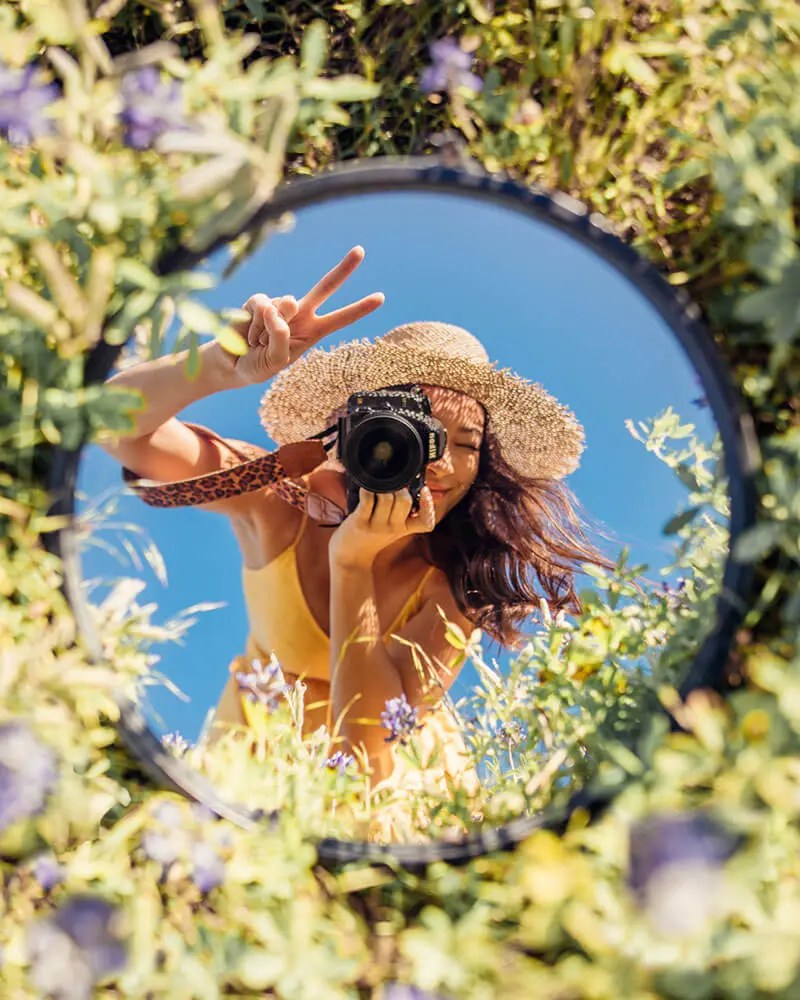

- Take five different photos of different subjects, using a variety of aperture settings. Don’t worry about a tripod for this one, go get different shots!
- Try to apply what you learned — use shallow depth of field where appropriate, or increase sharpness across the image when needed.
- Each photo should be labeled with the aperture used, and a short description describing your intent (i.e. “Used f/2.8 to blur the background and draw attention to the flower”).
All images must be:
- Resized to 1920x1080px at 72dpi for web
- Composed with care and attention to lighting and subject
- Presented clearly and professionally on your portfolio, with space between galleries and clean layout formatting
Project Grading Rubric
Points will be awarded based on the categories below. Be sure to check your work before turning it in for grading!
| Criteria | Description | Points |
|---|---|---|
| WordPress Portfolio Project | Clear intro, featured image, correct tags and categories | 10 pts |
| Gallery 1 (Technical Study) | 5 photos of same subject with varying f-stops, labeled correctly | 20 pts |
| Gallery 2 (Creative Showcase) | 5 creative photos using varied apertures, labeled with intent | 20 pts |
| Technical Accuracy | Images resized properly, well composed, in focus | 20 pts |
| Visual Presentation | Layout is clean, galleries are easy to navigate | 20 pts |
| Explanation of Learning | Introduction clearly explains aperture concept | 10 pts |
| Total | 100 pts |
OCP & Standard Alignments
01.01 – Demonstrate knowledge of basic computer operations (Students resize, manage, and upload digital images in proper formats.)
01.04 – Demonstrate knowledge of online research techniques (Students may reference tutorials or documentation on aperture and camera settings to complete their assignment.)
02.01 – Apply knowledge of design elements and principles (Photography composition involves focus, contrast, depth, and layout within the frame.)
02.04 – Demonstrate knowledge of composition (Students frame and capture balanced shots with attention to subject placement.)
03.02 – Demonstrate knowledge of digital imaging software (Resizing, editing, and labeling photos reinforces digital workflow skills.)
03.06 – Demonstrate knowledge of photographic and lighting techniques (This project directly teaches how aperture settings affect exposure and depth of field.)
04.03 – Create a digital portfolio to showcase multimedia projects (Final submission is integrated into the WordPress site using clear structure and layout.)
04.04 – Prepare and present projects using effective communication skills (Students explain their work through writing and visual layout, reinforcing technical and creative reflection.)
 Digital Media & Multimedia Design